PRE-LAUNCH SALE Ends on September 1, 2026
Stop Losing Revenue and Client Trust to WordPress Hacks and Malware
In one day, learn a fast, repeatable system to secure every WordPress site you manage
(I've been using this exact system for 14 years to secure 1,000's of WordPress sites)

1 Day WP Security is for freelancers, agencies who manage client sites and don't have time for guesswork. You can learn this system in one day and apply it to any site in a couple hours. It shows the exact steps to lock down any WordPress site without breaking it or installing messy plugin stacks.
PRE-LAUNCH SALE! - LIMITED TIME
Get lifetime access, updates forever, and a private support group where you can get help anytime.
Join before September 1, 2026 for 75% off, just $77 (normally $249).

"Awesome teacher. All videos are clear and practical. I've been watching Bjorn's content for many years and still do today."
- Patrick B.
"THANKS Bjorn, your videos really helped me I was lost for a whole week not knowing what to do hehe (I'm a beautician no idea about IT anything)."
- Jayne D.
"Finally found teaching content that is easy to understand and presented in logic sequence - thanks."
- Dirk B.
Most websites are hacked because...
❌
Hope
Most people just ignore the problem and hope their website isn't hacked.
❌
Fear/Too Technical
People think it's too diffcult to secure their WordPress sites on their own.
❌
High Cost
Those who have researched hiring experts to secure their sites found it costs $100s or $1000s
What if I told you it doesn't have to be this way...
Introducing
1 Day WP Security
It takes most people 1 days to learn and understand WordPress security by following this course, but if it takes longer that's fine. I encourage you to learn at your own pace.
Now matter how long it takes, once you know it you will be able to secure any WordPress site in a couple hours.
✅
Beginner friendly
Zero advanced tech skills required. If you can log into WordPress I can teach you how to secure your website.
✅
Fast Results
Even if you're a complete beginner you will be able to secure 80% of your site in the first module of this course.
✅
Save $$$
This course is a fraction of what you'll pay someone else to secure your website or to clean up a hack on your site.
Plus So Much More!
Scroll down to see everything you get lifetime access to...
Learn How To:
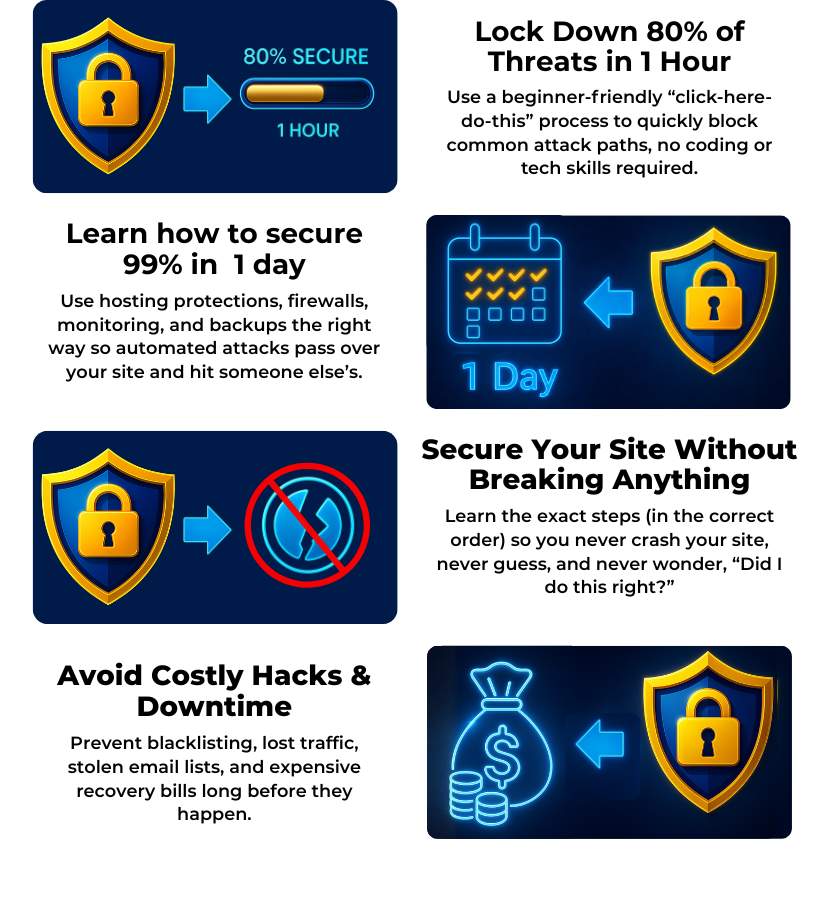
1 Day WP Security
Course Curriculum
Introducing the L.O.C.K.D.O.W.N. Framework
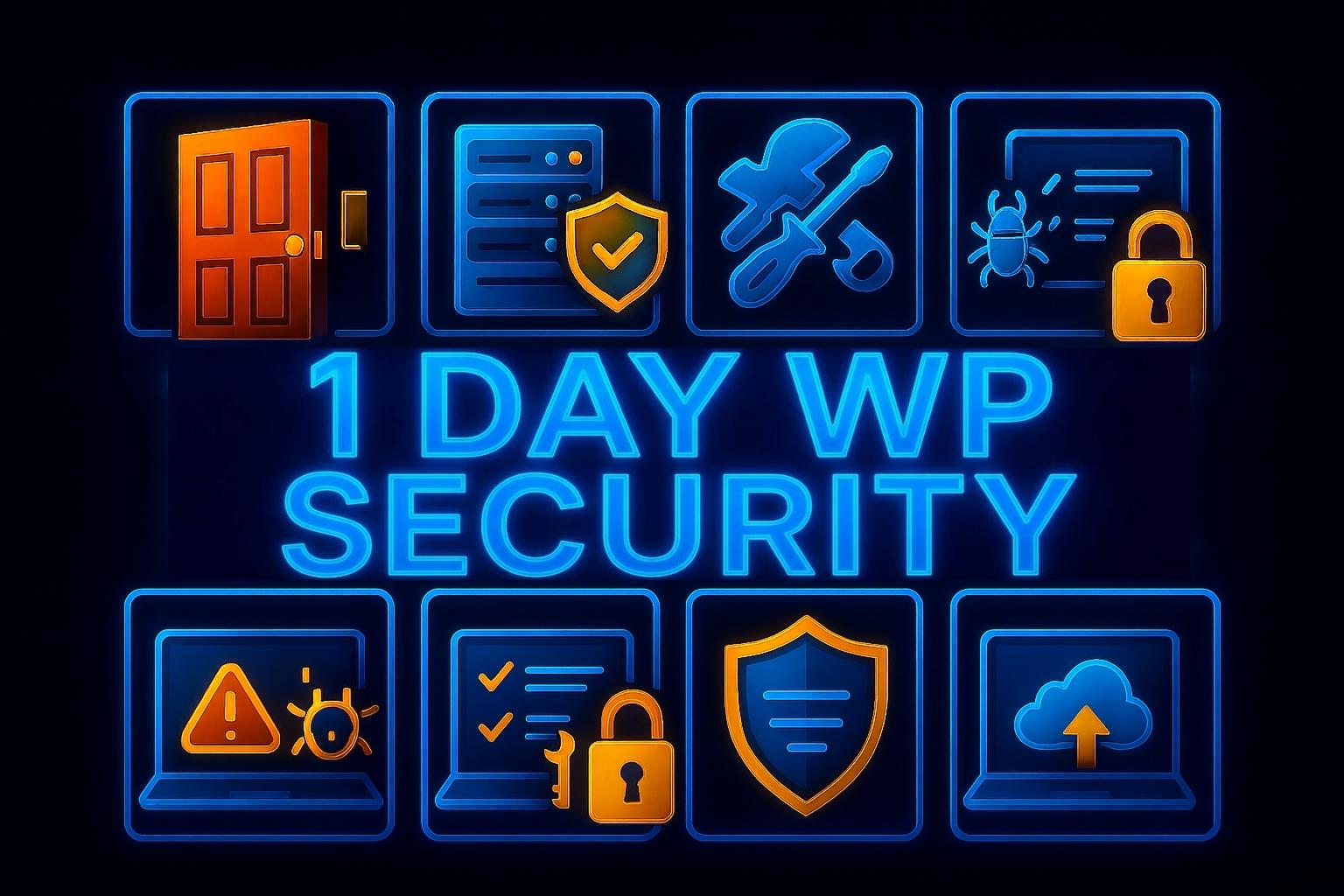
Module #1: L=Limit Access
Learn how to:
How to close common “open doors” so hacking bots skip your site completely.
How to remove risky accounts and settings so only the right people can access your site.
How to harden your login page so bots can’t brute-force their way in.
Module #2: O=Optimize Hosting
Learn how to:
How to enable hosting-level protections so dangerous traffic gets blocked automatically.
How to turn on essential server security so hackers can’t intercept or alter your data.
How to use built-in hosting tools so your site becomes safer without learning anything technical.

Module #3: C=Clean Plugins & Themes
Learn how to:
How to remove risky plugins and themes so 80% of beginner vulnerabilities vanish fast.
How to replace outdated tools safely so hackers can’t exploit abandoned code.
How to clean up your site’s “plugin clutter” so it runs faster and stays far more secure.

Module #4: K=Keep Solid Backups + Ransomware
Learn how to:
How to automate your backup schedule so you’re always protected without lifting a finger.
How to store your backups safely off-site so hackers can never lock you out of your data.
How to restore your entire site in minutes so a security breach never takes you offline.
Module #5: D=Deploy Security Plugins
Learn how to:
How to choose the right security plugin so your site gets maximum protection without slowing down.
How to configure top tools like Wordfence and MalCare so they block threats on autopilot.
Module #6: O=Oversee Monitoring
Learn how to:
How to set up instant uptime alerts so you know your site is down before your visitors do.
How to spot suspicious file changes and activity logs so you can stop a breach in progress.
How to configure your Cloudflare dashboard so you can block malicious traffic before it ever hits your server.
Module #7: W=Watch Permissions
Learn how to:
How to set correct file permissions so hackers can't rewrite your site's code.
How to switch to SFTP so your login credentials stay encrypted and secure.
How to lock down wp-config.php so your database passwords remain strictly private.

Module #8: N=Never Neglect Maintenance
Learn how to:
How to use a 15-minute monthly checklist so your site stays permanently locked down.
How to audit user accounts regularly so old profiles never become security backdoors.

Limited Time Pre-Launch Bonuses
Amazing Bonuses
Walkthrough of the most popular security plugins and if you need them.
Step-by-step showing the easiest malware removal method.

What's Included In 1 Day WP Security

Meet Your Instructor

My name is Bjorn, and I’m the creator of WP Learning Lab and this course, where for over a decade I’ve helped beginners build, fix, and secure their WordPress sites — without needing any technical background.
I didn’t start as a developer. I didn’t study computer science. In fact, I learned WordPress the same way you probably did: by tinkering. In 2012, I built my very first website just to earn a bit of AdSense and affiliate income. A few months later, I got my first "real client" and charged him a whopping $60 to build a site. I was figuring things out as I went, breaking things, fixing them, and learning through trial-and-error...exactly like most beginners do.
Fast forward to today:
- I’ve cleaned thousands of hacked WordPress sites.
- I’ve helped secure thousands more for clients and students.
And through my tutorials, which have now passed 22 million views in total, I’ve taught hundreds of thousands of beginners how to protect and run their sites with confidence. When it comes to beginner-friendly WordPress security, this is the world I’ve lived in every single day for over 12 years.
And here’s the most important lesson I’ve learned after all those years, all those hacks, and all those repairs:
WordPress security is NOT technical, it’s teachable.
- You don’t need to be a developer.
- You don’t need to understand code.
- You don’t need to "be good with computers."
The truth is, hackers exploit simple beginner mistakes, not advanced technical flaws. Once you understand the handful of things that actually matter, anyone (yes, even total beginners) can secure their site in a single afternoon. That realization, combined with my frustration from seeing beginners get hacked over and over, is what led me to create The 1 Day WP Security Course and the L.O.C.K.D.O.W.N.™ Method.
But look, you’re not here because you want to know my life story.
You’re here because you want to know whether I can actually help YOU.
Since launching my first security course, in 2017, thousands of students have gone through my step-by-step methods. People who once felt anxious, overwhelmed by "the technical stuff" are now confidently securing their sites in 1–2 hours. They feel safe. They feel competent. They feel in control.
And that’s my goal for you, too.
I’m excited for you to experience what so many others have already discovered:
WordPress security is NOT SCARY when someone shows you what actually matters.
Welcome to the start of feeling confident, capable, and fully in control of your website. I’ll be with you every step of the way. I'll see you inside.
Who Is This Course For?
You want to learn how to secure your WordPress site quickly and confidently, even if you’ve never done anything "technical" before.
You value simple, step-by-step instructions that remove overwhelm and let you secure 80% of your site in your first hour, without needing to understand code or jargon.
People who feel anxious about website security, don’t know where to start, and want a clear, beginner-friendly system that makes their site safe quickly.
What Categories Do We Focus On?
Beginners who built their own WordPress site and want to keep it safe without learning anything technical.
Bloggers and creators who rely on their site for income, traffic, or leads and can’t afford a hack.
Small business owners who want their website protected so they can focus on running their business.
Coaches and course creators who need their login areas and member content fully protected.
WooCommerce store owners who want to secure customer data, orders, and payments the easy way.
Everyday website owners who feel overwhelmed by "tech stuff" and want clear, step-by-step guidance.
And so much more!
Who Is This Course NOT For?
You will not follow simple, step-by-step instructions and prefer to struggle through trial-and-error instead of using a proven system.
You do not identify as a non-technical beginner and instead want advanced, developer-level security training or highly technical, code-heavy tutorials.
Frequently Asked Questions
What skill level is this program for?
This program is designed 100% for non-technical beginners.
If you can log into your WordPress dashboard and follow simple instructions, you can secure your entire site using this system.
- You don’t need to know code.
- You don’t need to understand hosting.
- You don’t need "tech skills."
- You don’t need experience with security tools.
Everything is taught through short, follow-along videos where you simply click where I click.
In fact, most students tell me this is the first time WordPress security has ever felt simple, doable, and not scary.
And the best part?
You’ll secure up to 80% of your site in your first hour, even if you’ve never touched anything "technical" before.
If you’re a normal website owner who just wants your site safe without overwhelm…this program was built exactly for you.
How long do I have access to the program & when does it start?
You have access for life. That includes any and all updates, improvements and changes I make to the course in the future.
You can start learning minutes after you enroll..
Can't I learn all of this on Youtube?
You can find bits and pieces of WordPress security on YouTube, but that’s the real problem. It’s bits and pieces. Scattered. Incomplete. Outdated. And rarely designed for non-technical beginners.
YouTube can show you what to do, but it won’t tell you
- what actually matters,
- what order to do things in,
- what to avoid,
- or how to secure your entire site without breaking anything.
This program gives you:
1. A complete, step-by-step system (not random tutorials)
2. The exact order to secure your site safely
3. Beginner-proof explanations with zero jargon
4. Copy/paste settings you know are correct
5. The "80% secure in 1 hour" Fast Win, something you won't find on YouTube.
6. How to build full safety net with backups, monitoring, firewalls, and best practices
7. No overwhelm, no guessing, no conflicting advice
Most importantly, you don’t have to sort through hours of videos hoping you didn’t miss something critical.
YouTube is great for quick tips.
This course is for people who want their entire WordPress site fully secured the right way, quickly, confidently, and without ever feeling lost.
Do I need to have technical skills before starting?
No. This course was built specifically for people with zero technical skills.
If you can follow instructions, log into WordPress and click a few buttons, you have everything you need.
- You don’t need to know code.
- You don’t need to understand hosting.
- You don’t need to know what SSL, DNS, PHP, or firewalls mean (although you will learn what they mean).
- You don’t need any prior experience with security tools.
Every lesson is short, simple, and shows you exactly where to click and what to do, step-by-step. You just follow along on your own screen.
Many students beginners tell me this is the first time WordPress security has ever felt clear instead of confusing. And because the course gives you the "80% secure in 1 hour" Fast Win, you’ll see immediate results even if you’ve never touched a technical setting before.
So if you’re not tech-savvy...
If security feels intimidating...
If you’re afraid of "breaking something"...
You’re exactly who this course was created for.
Should I invest in The 1 Day WP Security Course before investing in software tools?
Yes, absolutely.
A security audit or malware scan only tells you what’s wrong.
- It doesn’t fix anything.
- It doesn’t prevent future hacks.
- And it doesn’t teach you what to do next.
Most beginners pay for security tools because they feel overwhelmed or unsure where to start.
But the truth is:
You’ll fix most of what an audit would find simply by following the first hour of this course.
This program gives you:
- The exact steps to eliminate the most common vulnerabilities
- The order to do everything safely
- Beginner-friendly video instructions
- A complete WordPress Security system
- Tools and settings that keep threats from happening in the first place
Audits are reactive -> The 1 Day WP Security Course makes you proactive.
An audit tells you what went wrong -> This course prevents things from going wrong at all.
And once your site is secured properly, then an audit becomes optional, not urgent, not stressful.
So if you're a beginner who wants to prevent problems instead of just discovering them:
Start with The 1 Day WP Security Course first.
It’s the foundation everything else depends on.
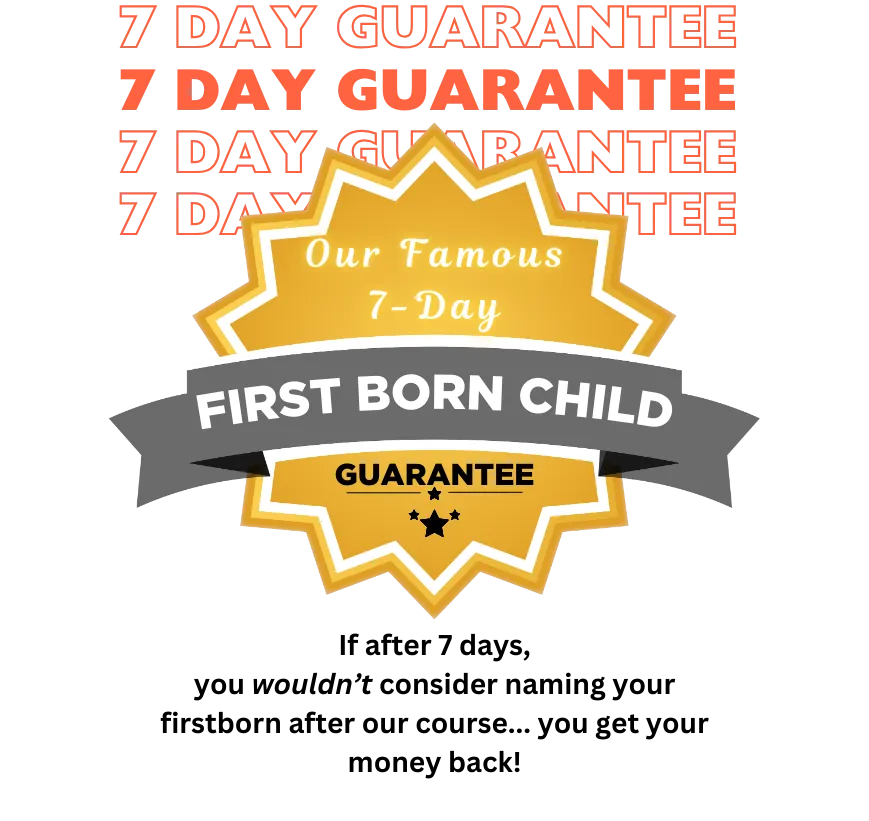
Is there a guarantee?
Absolutely! 1 Day WP Security has a 7-Day Satisfaction Guarantee. If you are not completely SATISFIED and ENLIGHTENED by the 1 Day WP Security Course, then contact us within 7 days for a full refund, no questions asked!